Sydney Wedding Sound Checklist: Ceremony, Speeches, First Dance and Reception
· 8 min read · Party Backline
For most Sydney weddings you need four things: a way to play music for the aisle and the reception, at least one wireless mic for the celebrant, speeches and MC, speakers sized for your guest count, and a plan for where each part of the day happens. If the ceremony is outdoors or away from the reception, add a battery-powered speaker so you don't need power at the altar. This checklist goes through each moment of the day and what it needs, with notes for Sydney venues, from Northern Beaches headlands and harbourside gardens to function rooms and marquees.
Sydney wedding sound at a glance
1Ceremony
Aisle music, a mic for the celebrant, the vows heard by every guest
2Drinks & photos
Relaxed background music while guests mingle
3Grand entrance
Entrance song on cue, an MC to introduce the couple
4Speeches
Clear voices with no feedback, a second mic for handovers
5First dance
Song cued and ready, soft lighting, a "dancing on the clouds" moment
6Reception & dancing
Full-range sound with bass, dance-floor lights, a DJ setup
1. The ceremony
The ceremony is the part where sound problems hurt most. Guests who can't hear the vows feel left out of the most important five minutes of the day, so it's worth getting right.
Music for the walk down the aisle
- Make a ceremony playlist with three parts: guests arriving, the processional (the walk down the aisle) and the recessional (walking out as a married couple). Set your phone to "do not disturb" and download the songs so they play offline.
- Give one person the job of pressing play. A friend or the celebrant's assistant is ideal. Agree on the cue in advance.
- Fade the music, don't stop it. Turn it down slowly when the bride or couple reaches the front.
A mic for the celebrant
A headset or earset mic on a wireless bodypack is the best choice. It keeps the celebrant's hands free for notes and rings, and the level stays steady as they turn between the couple and the guests. Our Shure BLX and Shure SLXD systems both come with a headset or earset option. Many celebrants bring their own mic, so ask yours first.
Making sure everyone hears the vows
A celebrant's headset picks up the celebrant, not the couple. For the vows, add a handheld wireless mic: the celebrant holds it towards whoever is speaking, or it sits on a stand between the couple. Place the speaker in front of the couple and facing the guests, not behind the altar, so the mics don't pick up the speaker (see our guide to avoiding microphone feedback).
Beach, garden and park ceremonies in Sydney: use a battery-powered speaker
Sydney's favourite ceremony spots, such as Northern Beaches beaches and headlands, harbourside parks and botanic gardens, rarely have a power point near the altar, and running long extension leads across a lawn is messy and a trip hazard. A battery-powered speaker solves both problems.
Our Busker Set is built for exactly this: an LD Systems ANNY 10 battery speaker with a built-in 4-channel mixer and Bluetooth, a wired Shure SM58 on a stand, a speaker stand and a dust and rain cover. It plays the aisle music from your phone over Bluetooth, and carries the vows and readings through the mic. Add a pair of fully battery-powered JBL wireless mics for $10, and the whole ceremony runs with no mains power at all.
The same battery speaker also works for the bridal entrance at a separate spot, welcome drinks on a terrace, or photos at a different location, while the main system stays set up in the reception room.
Sydney outdoor ceremony tips
- Check with the council. Many Sydney councils, including Northern Beaches Council, require a booking for ceremonies in public parks and on beaches, and some set conditions on amplified sound. Check before you book the spot.
- Plan for the wind. Coastal sea breezes carry sound away and rumble across microphones. Stand the speaker close to the guests and face it towards them, not out to sea.
- Have a wet weather plan. Sydney summer storms can arrive quickly in the afternoon. The Busker Set has a rain cover, but mains-powered speakers must stay dry under cover.
2. Drinks, photos and the grand entrance
While you're away for photos, keep background music playing at a level where guests can still talk. When it's time to come in, the MC needs a mic to announce you and someone needs the entrance song cued. Agree the order with your MC or DJ beforehand: announcement, then music, not both at once.
3. Speeches
- Use a wireless handheld mic. It lets speakers stand where they're comfortable, and the MC can pass it along without cables.
- Have a second mic ready for the MC and for two people giving a speech together. It also covers you if a battery runs out.
- Put speakers in front of the speech area. Speakers standing behind or right next to the person talking is the most common cause of feedback at weddings.
- Remind speakers to hold the mic close, about a fist's width from the mouth. Most quiet, hard-to-hear speeches are just a mic held too low.
- Fresh batteries before speeches, even if they were fine at the ceremony.
For speeches, a pro system like the Shure SLXD gives a very stable, clear signal across a large room. For a smaller venue, the Shure BLX works well and is included in our Party, Dance and Ultimate sets.
4. The first dance
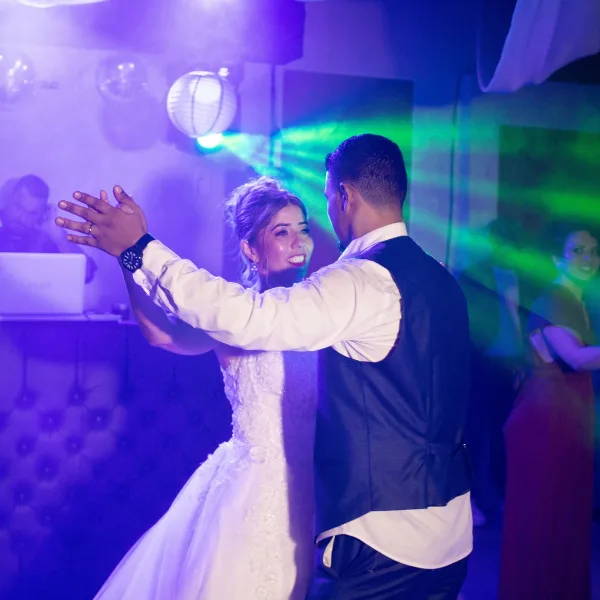
- Cue the exact song version, and decide whether to play it in full or fade it out early. Give the DJ or your music person a clear cue, such as the MC's announcement.
- Change the lighting. Turning off the dance-floor effects and using a soft single colour makes the moment feel special. The Stage Light Bar lets you set an exact colour with its DMX controller.
- Add low-lying fog. The BeamZ ICE1800 creates the classic "dancing on the clouds" effect: a thick white carpet of fog that stays on the floor. It uses regular bagged ice, not dry ice. Check with your venue first, as some restrict any fog because of smoke alarms.
5. The reception and dancing
Once the formalities are over, you need full-range sound with real bass for dancing. Choose the system by guest count. All prices are per event, for hire in Sydney:
| Guests | Set | Includes | Price |
|---|---|---|---|
| Up to 100 | Party Set | 2 speakers, DJ lights with fog, wireless mic | $200 |
| Up to 150 | Dance Set | 2 RCF speakers, 18" subwoofer, DJ lights with fog, wireless mic | $350 |
| 100+ | Ultimate Set | 2 RCF speakers, two 18" subwoofers, light bar, fog, mixer, wireless mic | $400 |
| Ceremony | Busker Set | Battery speaker with mixer and Bluetooth, SM58 mic, rain cover | $100 |
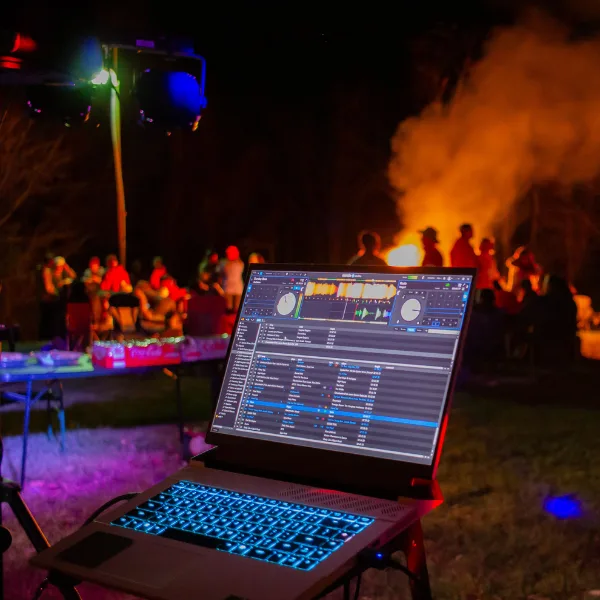
If you have a DJ, add a Pioneer XDJ-RX3, the all-in-one system most DJs know. For the full sizing guide, see what size PA system do I need.
Running everything from one system
If the ceremony, speeches and reception are all in the same venue, one system can do the whole day. The key is one mixer that everything plugs into: the wireless mics, the phone or laptop for music, and the DJ. Then one person controls every level from one place, with no swapping cables between speeches and songs.
- Label each mic and channel, such as "Celebrant", "Speeches" and "MC", so nobody turns up the wrong one.
- A Wi-Fi digital mixer like the Behringer X AIR XR18 can be controlled from a tablet, so whoever runs sound can walk the room and check how it sounds at the back.
- If the ceremony is somewhere else, use the battery speaker there and keep the main system set up in the reception. Moving a full PA between the ceremony and reception is the most stressful part of a wedding to manage.
The Sydney wedding sound checklist
Weeks before
- Confirm the guest count and where each part of the day happens.
- Ask the venue about power points, noise limits, finish times and whether fog is allowed. Many Sydney venues near homes have strict amplified music curfews.
- Ask your celebrant whether they bring their own mic.
- Choose your ceremony, entrance, first dance and last songs, and download them.
- For outdoor events, plan cover for the equipment. Only the Busker Set is made to be used in the open with its rain cover.
On the day
- Sound check the mics and music before guests arrive.
- Charge or replace mic batteries, and have spares.
- Give one person the job of running music and mics, with a printed run sheet.
- Turn phones used for music to "do not disturb".
Hire wedding sound in Sydney and the Northern Beaches
We hire complete wedding sound across Sydney and the Northern Beaches, from a battery speaker for a beach ceremony to a full system for a 150-guest reception. Tell us your venue, guest count and timeline, and we'll recommend the right setup. Browse our speaker sets, wireless microphones and lights and effects.